



News

Get Active with the noCRM.io Activities Feature

Mariana - January 31, 2018

Summary

  • noCRM Activities let sales reps define the specific next action required for each lead instead of relying only on dates and reminders.
  • Clear next actions help reps organize their work and keep opportunities moving through the sales process.

We are passionate about the next action. We think it’s what drives our lead management software and is the key component - as opposed to CRM - that puts salespeople on the front foot. That is why we have been hard at work creating the noCRM.io Activities feature.

Who’s Next?

If a rep is always clear as to what their next task is in the sales process, there is little reason for them not to act on it. Each lead entered into noCRM.io is automatically set to To-Do. When reps or admin add leads into the system, there is an instant next step.Initially, when creating a new lead, you had the choice of either responding instantly or setting a date for when the next action takes place. The introduction of Activities affords users more options when setting the next action. Not only can you set the date when a next step needs responding to; you can define the exact details of what needs doing by adding a specific activity that you have predefined in your account.

Let’s Get the Party Started

It’s easy to immerse yourself in the activities feature and customise it to your needs. Simply head to the Admin Panel and click on Activities. From there you can set the activities you want to display when a lead is created in noCRM.io. Create any activity for a lead - including call, e-mail, and meeting - and set a follow-up action. For example, perhaps you create a lead, and the first To-Do is to make a phone call to the lead.You can then set the outcome of the call to answered, unanswered, or any outcome that is relevant to the lead. These options help to simplify the process, as reps and managers can easily view what has and hasn’t been done in greater detail.

Activities for Actions

So, you’ve set the activities for your sales process when you create a lead. All that is left to do is see it in action. Once a lead has been created and the To-Do is set, there is a drop-down menu which lets users select specific activities assigned to the lead.Then, once the lead has been actioned, set the outcome. Did you win the call? Is there another follow-up, or did the lead decide they aren’t interested? Hopefully, it won’t be the last one!

I Need Those Sweet, Sweet Numbers

While it’s great to have more control over the detail of how you action leads, it would be even more helpful to have stats regarding the activities. The good news is: That’s exactly what we have done. It is now possible to view the statistics of all your activities in the noCRM.io Activities feature.Go to the Activities page and click on the Statistics tab. Here you can see the amount of planned activities for the selected time frame. You are also able to group statistics by type and see a detailed outcome for each activity.

More Clarity for your Sales Process

So, there you have it. A host of new activities to get you even more active inside noCRM.io while bring more clarity to your pipeline.If you want to further improve your sales team performance, you can learn more in this article on: how to implement an activity-based sales strategy.The full features of Activities are available in Expert Edition, although a streamlined comments box has been added to the standard version. Check out more info on how the new noCRm.io Activities feature works in our Help Center and watch the video tutorial. Happy activities!


Related Posts

Scale your Communications with VoIP Integrations

All your tools, working as one

News
Portrait of Titiana
Titiana
October 15, 2025

CRM Workflow Automation: Goodbye Manual Tasks, Hello Productivity

Discover noCRM’s new Automations module and create CRM workflow automation to assign leads, send notifications, tag prospects, and trigger emails, without Zapier or manual work.

News
Portrait of Titiana
Titiana
July 30, 2025

Turn leads into revenue with the noCRM and Sarbacane integration

Connect noCRM with Sarbacane to sync leads, automate follow-ups, and run targeted email & SMS campaigns.

News
Portrait of Titiana
Titiana
June 19, 2024

Enhancing Sales Calls Efficiency: CallHippo and noCRM Integration

Discover how the new CallHippo and noCRM integration enhances lead management, improves efficiency, and boosts sales performance.

News
Sales Tools & Automation
Portrait of Titiana
Titiana
May 21, 2024

Craft & Send Professional Quotes and Invoices Seamlessly with noCRM

Transform your sales process with noCRM: craft, customize, and send quotes and invoices effortlessly from your sales CRM.

News
Portrait of Titiana
Titiana
September 13, 2023

Send bulk email templates to your leads and increase efficiency

Send bulk email templates and increase your sales efficiency! Learn more about the benefits of using noCRM to send bulk email templates.

News
Portrait of Sunny
Sunny
September 25, 2023

🚀 noCRM Joins Positive Group

After nearly a decade, noCRM has made a significant move by joining forces with Positive Group. It's a moment of both accomplishment and a fresh beginning.

News
Prospecting
Portrait of Titiana
Titiana
August 15, 2023

Quickly find your sales route with Google Maps and noCRM

Discover how Google Maps and noCRM can enhance sales productivity and efficiency, especially for field reps.

News
Prospecting
Portrait of Titiana
Titiana
August 1, 2023

Mastering Twitter outreach: reach leads with pre-filled tweets

Learn how to engage leads more efficiently through Twitter with noCRM's custom lead actions and Twitter templates!

News
Sales Tools & Automation
Portrait of Titiana
Titiana
July 4, 2023

Quickly perform lead actions across your platforms with noCRM

Save precious time by setting up the sales actions you’d like to perform through your different tools from noCRM.

News
Prospecting
Portrait of Titiana
Titiana
May 29, 2023

Never miss a follow-up: schedule sales emails with noCRM

You keep forgetting to send follow-up emails? noCRM allows you to schedule your emails to never miss on a lead.

News
Portrait of Titiana
Titiana
March 13, 2023

Sell from anywhere, at any time, with noCRM’s new mobile sales app

noCRM's new mobile sales app is what salespeople have been waiting for: a mobile app to easily progress on their sales from anywhere.

News
Portrait of Sunny
Sunny
September 21, 2022

The noCRM blog launches in 3 new languages!

Interested in sales? Great! Now you can read our blog in German, Italian and Portuguese.

News
Portrait of Sunny
Sunny
July 7, 2022

How to create leads automatically with the website contact form integration

Learn more on the website contact form integration and start automatically creating new leads to feed your sales pipeline.

News
Portrait of Mariana
Mariana
June 7, 2018

Sign Deals Faster with the noCRM.io and Tilkee Integration

Find out how the noCRM.io and Tilkee integration helps you sign deals faster and makes salespeople's lives more efficient.

News
Portrait of Mariana
Mariana
March 20, 2018

The new and improved noCRM.io mobile app has arrived!

We're excited to launch our new and improved noCRM.io mobile app. Find out what's new in the app and how it improves your overall experience.

News
Portrait of Mariana
Mariana
January 31, 2018

Get Active with the noCRM.io Activities Feature

Find out more information about the noCRM.io activities feature and get more clarity on your sales process and better insight about your next action.

News
Portrait of Mariana
Mariana
October 16, 2013

Latest Releases On You Don't Need a CRM!

An update of the latest releases for You Don't Need a CRM's lead management software.

News
Portrait of Mariana
Mariana
May 7, 2014

Convert prospects into leads with a single click

This article explains how to convert prospects into leads with a single click in You Don't Need a CRM's lead management software.

News
Portrait of Mariana
Mariana
July 7, 2014

Lead Clipper: Create Leads From LinkedIn and Any Other Website in a Single Click!

This blog post explains how You Don't Need a CRM's lead clipper lets you easily create leads from LinkedIn and other websites.

News
Portrait of Mariana
Mariana
December 17, 2015

You Don't Need a CRM Account Setup: Have You Done it Correctly?

This guide takes you through your You Don't Need a CRM Account Setup and getting started with our lead management software.

News
Portrait of Mariana
Mariana
June 17, 2016

Email Client: Setting up Gmail as Your Default Mail-to Client

Find out how to set up the popular email client, Gmail, as your default account in You Don't Need a CRM's lead management software.

Built for people who actually sell

noCRM is the action-driven sales management tool built to cut admin and close more deals.

No credit card required
Set up your pipeline in minutes
Start managing leads instantly

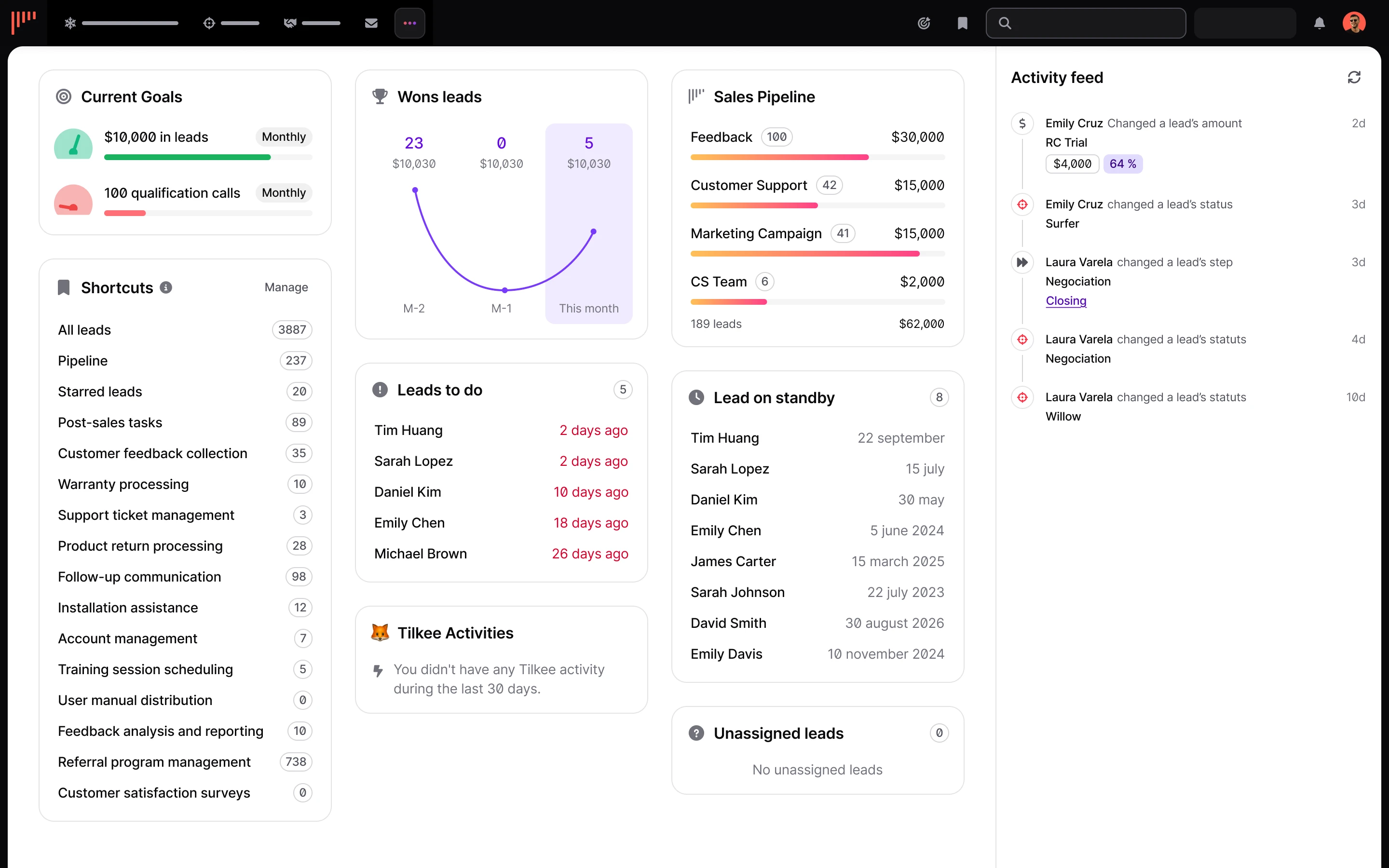
noCRM dashboard showing the sales pipeline, lead activity and reminders