




The sales management tool built for solopreneurs
Running your business and stuck in spreadsheets? Think CRMs are too complex? noCRM keeps it simple: capture leads, follow up, and send quotes and invoices without the usual CRM complexity.


Trusted by 8,000+ salespeople, with 4500+ reviews





Start selling more, and smarter
Everything you need to grow your business solo
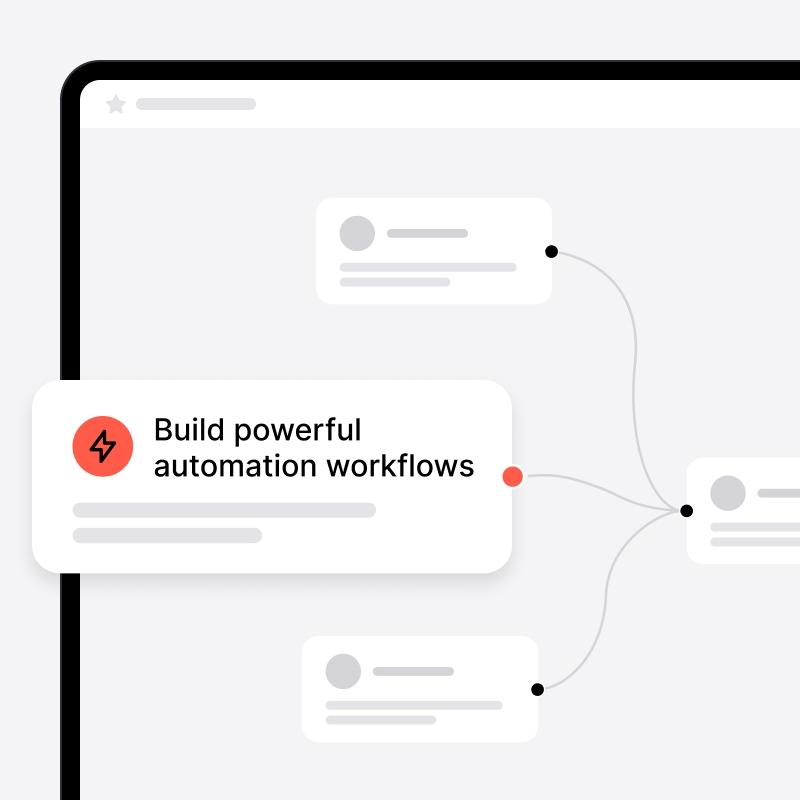
3,000+ automations via Zapier
Connect noCRM to thousands of tools using Zapier's powerful automation workflows.

AI-powered Help Center Search Bar
Find the right answers instantly with intelligent, AI-assisted search.

API Access
Use noCRM's open API to connect your own systems and create custom integrations tailored to your business.

Automatic calendar synchronization
Get instant reminders and event updates in your favorite calendar tool.

Automatic lead status updates
Receive lead status notifications based on deal progress.

Call summary and transcripts
Access detailed call summaries or AI-generated transcripts directly from your VoIP provider.

Call tracking and recordings
Automatically log every call and attach recordings to the right lead for full traceability.
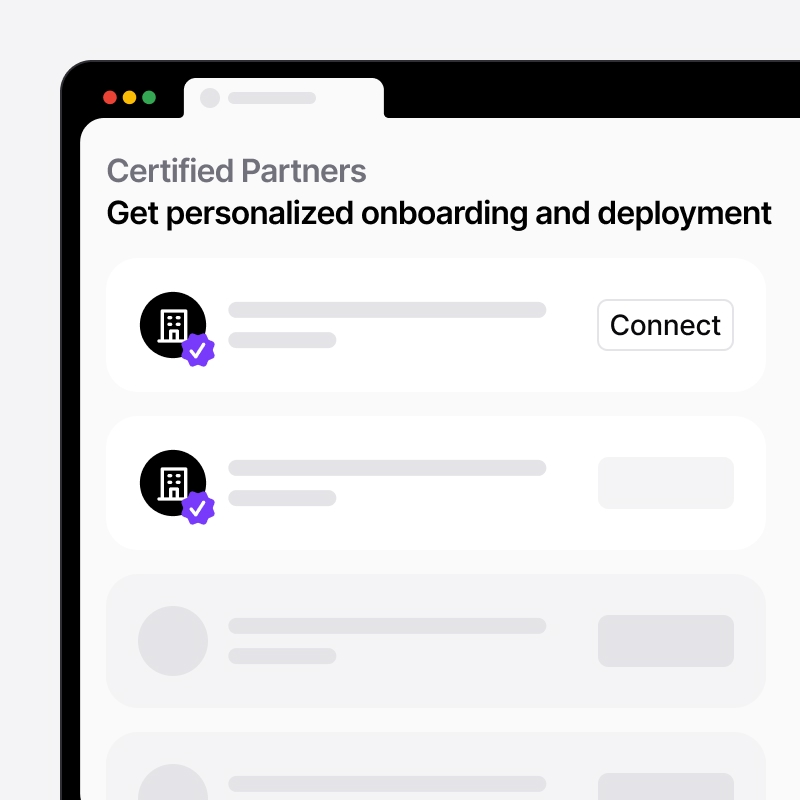
Certified partner setup options
Work with certified partners for tailored configuration and advanced deployment.

Conversation sync
Sync WhatsApp conversations directly with the corresponding lead in noCRM for full context.

Custom fields
Adapt leads properties to your needs using custom fields.
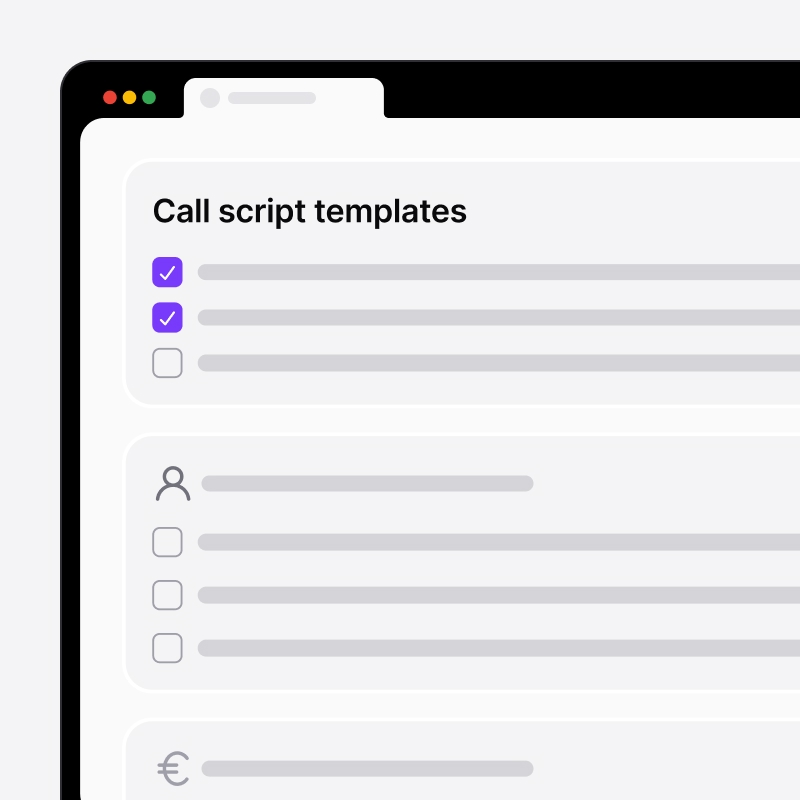
Customizable Call Scripts
Use ready-made script templates or build your own to keep conversations focused and effective.

Custom message templates
Send pre-filled WhatsApp messages with your own templates to save time and stay consistent.

Duplicate detection
Automatically detect duplicate leads based on email, phone number, or other key fields.
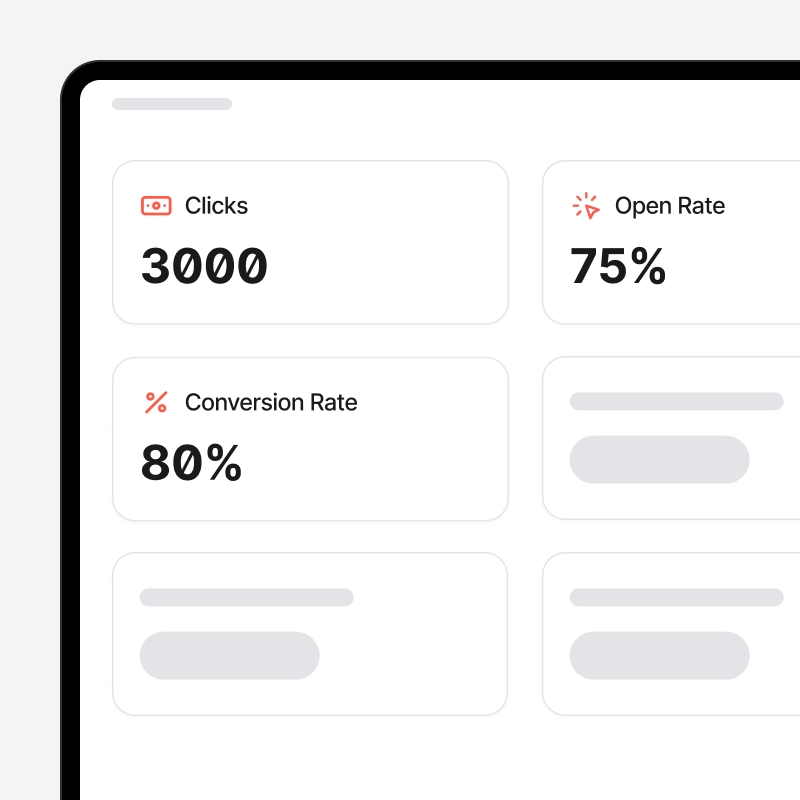
Email performance tracking
Monitor opens, clicks, and replies to measure engagement and optimize your email strategy.

Email synchronization
Send, schedule, and receive emails directly within noCRM.
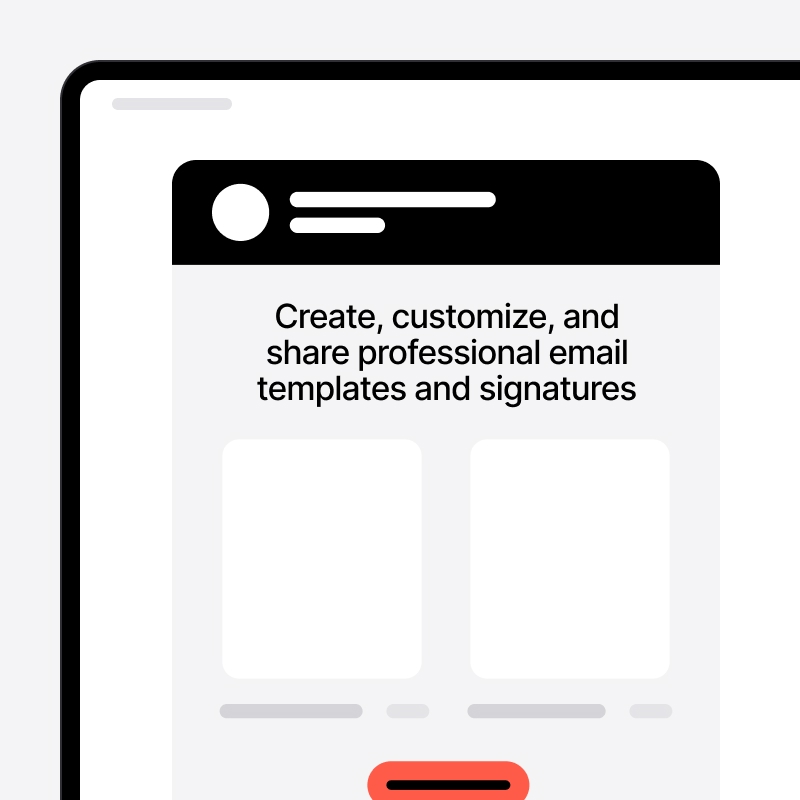
Email templates and signatures
Create, customize, and share professional templates and signatures.

Fast support via chatbot, email and live chat
Get quick answers from our responsive support team.

Free online training
Learn at your own pace with free video tutorials and best-practice sessions.

Internal automations
Set up rules inside noCRM to automate repetitive tasks, reduce manual work using auto-assignment, and eliminate errors.
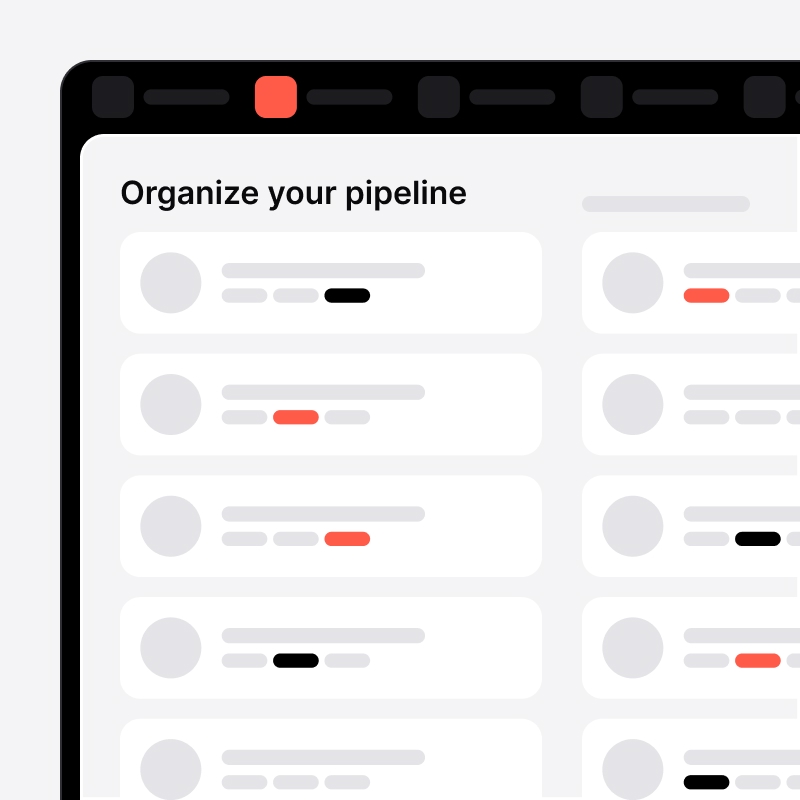
Lead categories and tags
Organize your pipeline with categories and tags to filter data and gain actionable insights.

Lead import from multiple sources
Import leads in seconds from Excel, CSV, email, WhatsApp, LinkedIn, or business card scans.

Lead transfer between noCRM accounts
Easily distribute leads across teams or sub-accounts.

Native integrations
Enjoy seamless native integrations, extended API quotas and technical support for advanced connectivity.

Onboarding assistance
Help your team set up and start closing faster.

One-click and power dialing / SMS integration
Make calls or send SMS messages instantly from noCRM with one click or via power-dialing.

One-click lead creation
Instantly create leads from WhatsApp using the noCRM browser extension.

Post-sales tasks management
Build custom checklists on leads, assign tasks, and keep your customer handover process on track.
Priority support
Enjoy priority handling and direct call escalation when required.

Prospecting lists
Upload cold prospect lists from Excel or CSV and qualify them directly inside noCRM to feed your pipeline.

Quick custom actions
Send predefined WhatsApp, SMS, or locate your leads in Google Maps in one click to speed up your outreach.
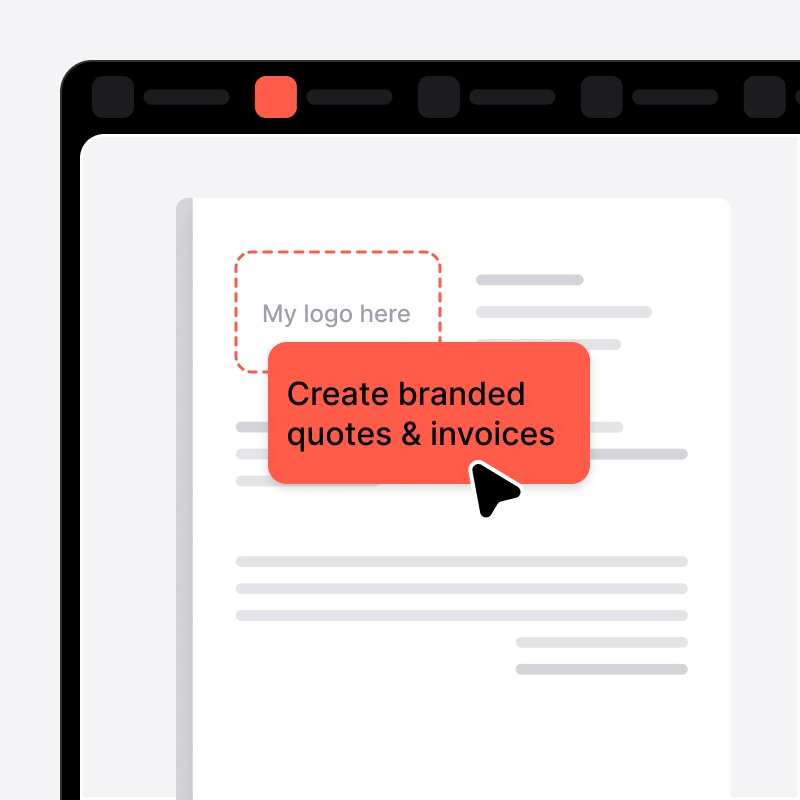
Quotes & invoices management
Create branded quotes, deposits, invoices, and credit notes in seconds. Track their status directly from your sales dashboard.

Role and permission management
Create teams for efficient collaboration and controlled access. Manage permissions, exports, user sessions, and sensitive data with precision.

Sales Performance Tracking
Boost growth through detailed reporting and data-driven insights into your sales performance.
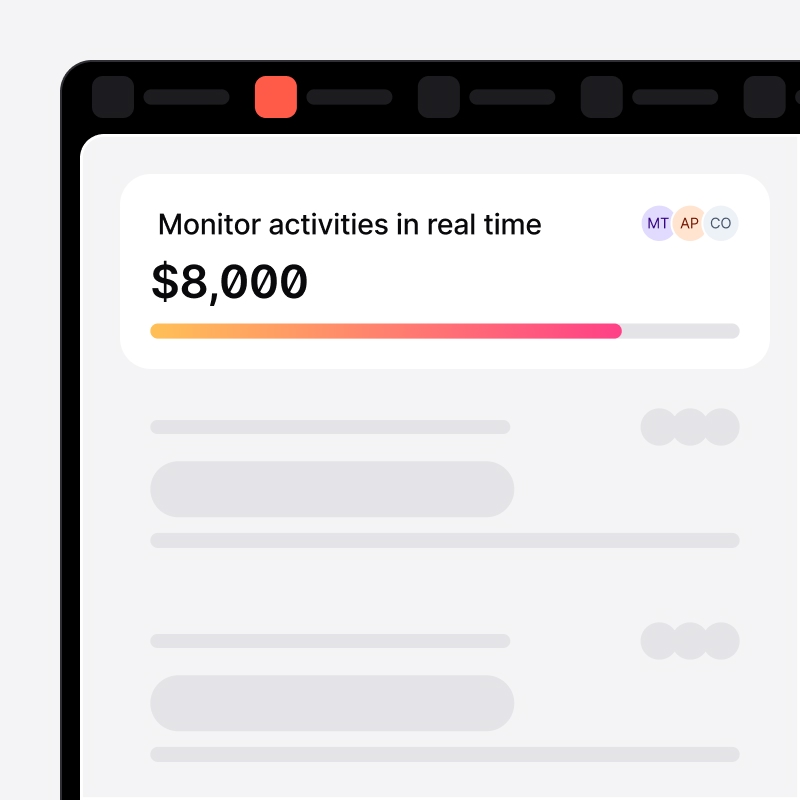
Sales team goal tracking
Monitor activities in real time to gain insights, boost accountability, and drive performance.

Seamless integrations with CloudTalk, JustCall, Aircall & more
Connect noCRM with the leading VoIP providers to centralize all your sales communications.

Self-service Help Center and FAQ
Access comprehensive guides, tutorials, and FAQs available 24/7.

Shared Inboxes
Collaborate seamlessly with shared mailboxes to manage conversations with leads and prospects.
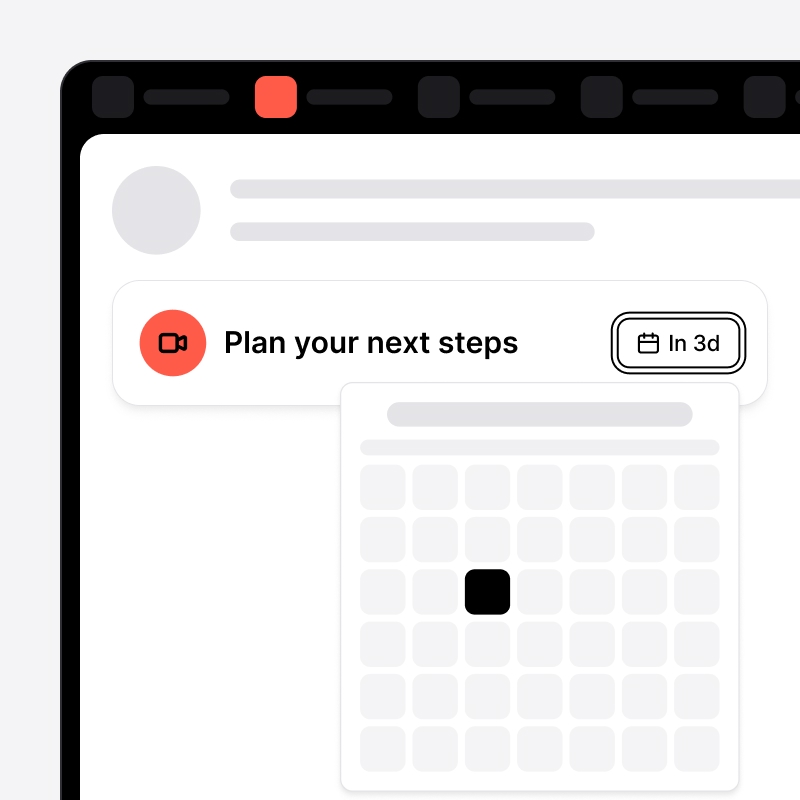
Smart Follow-Ups
Plan your next steps (calls, meetings, email) and get automatic reminders synced with your calendar, always know what's next.

Team performance reports
Analyze individual and team results to improve communication and increase productivity.
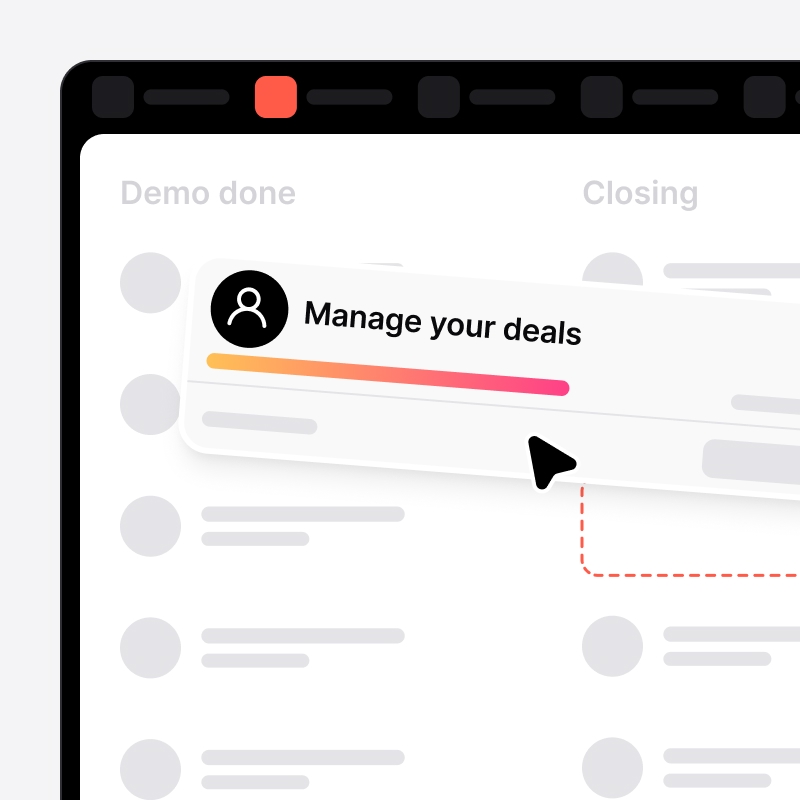
Visual Pipeline
Manage your deals with an intuitive, drag-and-drop pipeline that keeps every stage crystal clear.
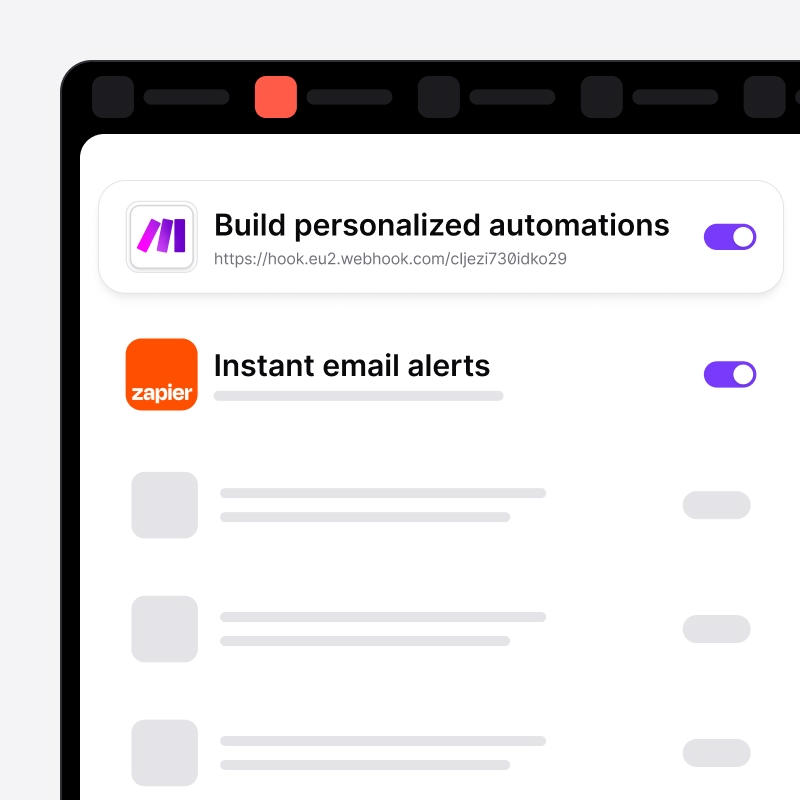
Webhook and email notifications
Build personalized automations with webhooks or receive instant email alerts for key noCRM events.

Your leads on the go (iOS and Android)
Manage, track, and close leads from anywhere, even offline. All data stays perfectly synced across Android, iOS, and desktop.
Ready to take your sales the next level?
Here’s how to get started in minutes.
Start your free trial
Experience the full power of noCRM with zero commitment, no credit card required.
Import your data in seconds
Import leads from any source: email, WhatsApp, forms, or CSV in just a few clicks.
Build your ideal pipeline
Create a sales process that fits the way you actually work.
Follow up consistently
Rely on reminders and visual cues to move deals forward.
Start closing more deals
Take action and watch your business grow.


Built to fit your sales reality
noCRM is the simple, effective way to turn prospects into customers.
Try any plan free and see the difference.
Monthly
Yearly (up to -40%)
Starter
Expert
Join 8000+ salespeople closing more deals with noCRM
From solopreneurs, growing businesses to established teams, companies in over 80 countries rely on noCRM to take action, close deals, and grow their business faster.
Run your sales like a pro, even solo
noCRM gives solopreneurs a streamlined way to capture leads, track deals, and stay on top of sales without the complexity. It’s everything you need, and nothing you don’t.

100% Connected to your ecosystem
Connect seamlessly with your everyday tools to boost your productivity without complexity.













Got Questions ?
What happens once I become a customer?
You're supported from day one. Free support in all plans. You can contact us anytime via live chat or email, get fast human answers from our Customer Success team, access guides, demos, and best practices in our Help Center. For larger teams, we assign a dedicated Customer Success Manager to help with onboarding, adoption, and ongoing success. Our goal is simple: help you sell better with noCRM, not manage software.
Do I need to configure anything before using noCRM?
No. There are no mandatory fields, no complex workflows to set up, no admin work blocking you from selling. You can adapt noCRM over time to maximize the usage, but you don't need to configure anything to get started.
How fast can I get value from noCRM?
Almost immediate. Most customers create their first leads in seconds, start tracking actions right away, and don't need onboarding or setup sessions. noCRM is built to work out of the box, without slowing you down.
Do you offer personalized demos?
Yes, when it actually makes sense. For sales teams of 10+ people, we usually recommend a personalized demo to go deeper into workflows, team usage, and real-life use cases. For solo sellers or smaller teams, our live weekly product demos, on-demand replays, or product tours are often the fastest way to discover noCRM but you can reach out to us anytime. If you book a demo, you'll talk directly to a product-savvy team member, not an SDR. We'll focus on showing noCRM live, answering your concrete questions, and adapting the demo to your sales reality. No long introductions. No slides. Just the product. If noCRM isn't the right solution for your use case, we'll tell you, honestly.
I want to understand noCRM. Where do I start?
You can explore noCRM in the way that works best for you, no pressure, no commitment. Pricing is clearly available on our pricing page. To see how it works, start a free trial, no credit card required. To see the product, check the short product overview, interactive tour, and live demos. Pick what fits your schedule. You don't need to talk to anyone to explore noCRM. And if after that you still have questions, you can book a call directly with our team, no long demos, no unnecessary steps.
How easy is it to get started with noCRM?
Very easy. noCRM is built to be intuitive, no long implementation projects, no complex onboarding, no need for a technical team. You can set up your account and start working on your pipeline in just a few minutes.
I don't want to spend hours learning another tool, how fast can I actually get started with noCRM?
Minutes, not hours. Most solopreneurs add their first lead in under 60 seconds, set up their pipeline in under 5 minutes, and send their first quote the same day.
I'm a solopreneur wearing 10 hats. Why do I need a sales tool on top of everything else?
Because you're already losing deals without realizing it. When you're handling marketing, delivery, admin, and sales all at once, leads fall through the cracks. That prospect you meant to follow up with last week? Gone to a competitor. noCRM makes sure nothing gets lost. It's not adding work, it's preventing the work of chasing cold leads later or wondering where your next client is coming from.
Can I use noCRM on mobile?
Yes, noCRM is fully available on iOS and Android, so you can manage your business anywhere.
Which plan is right for me?
- If you’re selling solo or managing a single pipeline, the Starter plan is a simple, fast way to organize your leads and close deals. It includes all the essential features you need to start selling right away.
- The Expert plan is the best fit for most teams. It combines unlimited pipelines and leads follow-ups, quotes and invoices, full customization, and 3,000+ integrations with your favorite tools. Everything you need to grow efficiently and collaborate with ease.
- If your company is scaling fast and you need advanced automations, complete control, and premium onboarding options, the Dream plan takes everything even further to power your growth. You’ll get advanced permissions, detailed analytics, and full integration capabilities (WhatsApp, VoIP, email). It includes team management features, workflow automations, and deep integrations.
You can switch between the Starter, Expert, and Dream plans at any time. Changes take effect immediately, with billing updated at your next renewal for monthly plans. For yearly plans, the account is charged immediately with a prorated amount. If you're on an annual plan or have special pricing, please contact support before switching. Note that our Starter plan includes a lead limit, if you exceed it, you'll need to reduce your leads before downgrading.
Are there resources to help me improve my sales skills?
Yes, noCRM doesn't just provide software, it provides resources to help you sell better: Sales Academy with step-by-step guides, Sales script generator, Live Product Demos and video tutorials, Blog articles on best practices. These help you improve technique and tool usage.