




More qualified conversations, more closed deals, less admin
Humanlinker finds the right prospects and starts the conversation. noCRM turns it into revenue. Connected, they give your sales reps back the time lost to exports, copy-paste and data entry, so they can focus on what pays: selling.


Trusted by 8,000+ salespeople, with 4500+ reviews





Less admin, more selling time, a pipeline that never runs dry
5 flows from first contact to closed deal
Add noCRM contacts to Humanlinker campaigns
Pick a noCRM list in Humanlinker, check who to reach and launch the sequence. No export, no CSV, no broken columns.
Get contact recommendations without the duplicates
New leads only. Every recommendation is matched with your noCRM contacts, and anyone already there is set aside automatically.
Log every conversation in noCRM, automatically
Emails, social messages, comments, calls and replies land on the right lead. Zero data entry, full context when a prospect becomes a deal.
See Humanlinker right inside noCRM
The Chrome extension opens Humanlinker on every lead: company details, buying signals and the right contacts. No tab switching.
Add social contacts to noCRM in one click
Open a social profile, click Add to noCRM and the lead is created with name, title, company and profile link already filled in.


Create your noCRM account and start your free trial
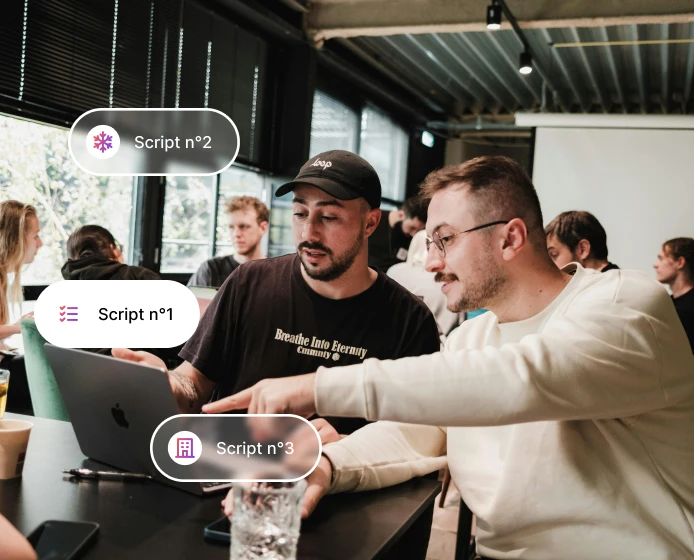
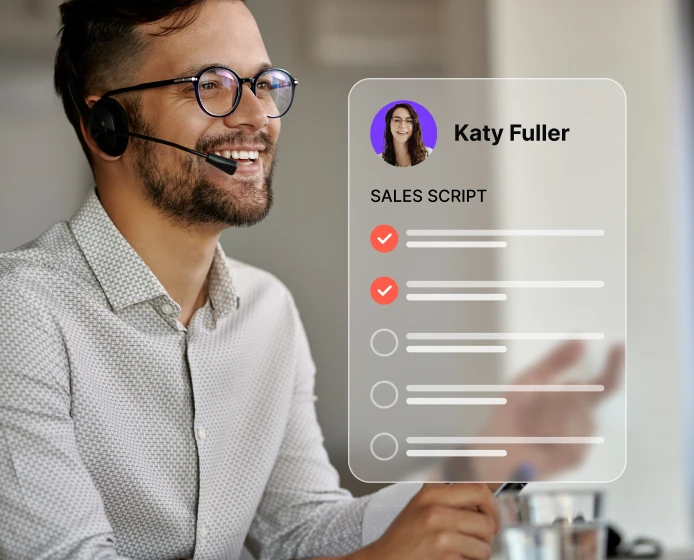
Open the Admin panel and click Sales Scripts in the left-hand menu. From there, you can create a personalized sales script tailored to your business and sales process.
Add your sales context
Define your offer, audience, and goals to tailor the script to your sales conversations.
Customize your flow
Edit questions, objection handling, and talking points to match the way your team sells.
Use your script live during calls
Keep your script open during calls to stay structured, confident, and consistent every time.
Turn conversations into deals with noCRM!
Capture leads, track follow-ups, and manage every next step in noCRM. It’s free to get started.
Salespeople should spend their time selling and building relationships, not hunting for information or doing work technology can do for them. That belief built Humanlinker, and it has driven noCRM from day one. Together, we now cover the whole sales cycle, so teams can focus on what they do best: starting the right conversations and winning deals.
Key resources to get started
Set up the integration, see the five flows in action and build a prospecting process that keeps your pipeline full.
Ready to turn prospecting into revenue?
Connect Humanlinker and noCRM, and let your sales reps focus on what drives results: the right conversations and closed deals.
No more exports or copy-paste
A complete pipeline, without data entry
Up to 40% off Humanlinker for noCRM customers

Got Questions ?
What is the noCRM × Humanlinker integration?
It connects noCRM, the action-driven sales management tool, with Humanlinker, the AI sales engagement and intelligence platform.
- Humanlinker helps you find the right prospects, spot buying signals and start personalized conversations by email and LinkedIn.
- noCRM turns those conversations into opportunities, keeps every follow-up visible and moves deals to signature.
Between the two, contacts, recommendations and conversations sync on their own: no more exports, imports or copy-paste.
Who is the noCRM × Humanlinker integration for?
It’s built for sales teams who prospect with Humanlinker and manage their pipeline in noCRM: salespeople, SDRs and BDRs, sales managers and founders.
If your team spends time exporting lists, checking who’s already in the CRM or copying emails into lead histories, the integration takes that work off their plate, so they can focus on conversations and closing.
Why launch a noCRM × Humanlinker integration?
Humanlinker joined Positive, the group behind noCRM, and both products are now led by the same team. The conviction behind them is the same: salespeople should spend their time selling and building relationships, not hunting for information or re-entering data.
Humanlinker covers the first half of the sales journey (finding and engaging the right prospects), noCRM the second half (qualifying, following up and closing). Connecting noCRM and Humanlinker removes the gap in between.
What can I do with the noCRM × Humanlinker integration?
Five flows are available today:
- Add noCRM contacts to Humanlinker campaigns: pick a noCRM list in Humanlinker and launch your sequence, without any export.
- Get contact recommendations without duplicates: anyone already in noCRM is set aside automatically.
- Log every conversation automatically: emails, social messages, comments, calls and replies land on the right lead in noCRM.
- See Humanlinker right inside noCRM: the Chrome extension shows company insights and buying signals on every lead.
- Add social contacts to noCRM in one click: the lead is created for you, with all the details filled in.
Together, they cover the whole sales journey, from the first social message to the signed deal.
Do my sales reps need to change how they work with the noCRM × Humanlinker integration?
No. Your sales reps keep prospecting and writing from Humanlinker, and keep managing their deals in noCRM, as usual. What disappears is the manual work in between: exports, imports, duplicate checks and copy-pasting conversations into the CRM.
The result: up-to-date lead histories and a pipeline your whole team can trust, without extra admin.
How do I get started with the noCRM × Humanlinker integration?
You need an active account on each tool, since the integration connects your noCRM account to your Humanlinker account. Not a noCRM user yet? Start a free trial, no credit card required.
Then follow the step-by-step instructions in our help center article to turn the integration on. Once it’s on, contacts, recommendations and conversations sync on their own. Need a hand? Our support team is happy to help.
With the noCRM × Humanlinker integration, can I use my existing noCRM contacts in campaigns?
Yes. Your noCRM contact lists are available directly in Humanlinker. Pick a list, check the contacts you want to reach and launch your email and social sequence. No export, no CSV import, no broken columns or duplicates to clean up.
A good place to start: your existing customers and past leads. They already know you, so replies tend to come faster.
How does the noCRM × Humanlinker integration avoid duplicates?
Every Humanlinker recommendation is cross-checked with your noCRM contacts. Contacts already in noCRM are set aside automatically, and you can hide them in one click, so you only reach out to genuinely new prospects.
No more searching every name by hand or waiting for deduplication files, and two sales reps never pitch the same person. Good practice: before prospecting an account, check who owns it in noCRM. One contact, one sales rep.
Which activities does the noCRM × Humanlinker integration log in noCRM?
Emails, social messages, social comments, accepted invitations, calls and replies handled through Humanlinker are logged on the right lead in noCRM, automatically. Your sales reps keep working from Humanlinker and noCRM stays up to date with zero data entry.
When a prospect turns into a deal, or a lead changes hands, the whole story is already there. Tip: read the lead’s history before every call.
What does the Humanlinker Chrome extension do in the noCRM × Humanlinker integration?
It works in two places:
- In noCRM: select a lead and a Humanlinker panel opens on the side, with company details, buying signals and the right contacts. You can add a contact to a sequence in one click, without switching tabs.
- On social profiles: click Add to noCRM and the lead is created in your pipeline, with name, title, company and profile link already filled in.
Your pipeline grows while you browse, and every lead comes with its insights.
What is the noCRM × Humanlinker offer, and how do I claim it?
As part of the Positive ecosystem, noCRM customers get 40% off Humanlinker’s annual Pro plan (20% off the monthly Pro plan) and 30% off the annual Business plan. To claim it, contact our support team, or go to the Benefits section of your noCRM account to get your promo code and see how to use it.
Where can I learn more about the noCRM × Humanlinker integration?
Everything is gathered in the Resources section of this page:
- The integration guide (free PDF), which presents the five flows with before/after examples
- The help center article, with step-by-step setup instructions
- Our free prospecting guide, to build a prospecting process that keeps moving
You can also contact our support team at any time.