


Summary
- WhatsApp helps sales teams follow up faster, personalize conversations and keep leads engaged.
- Templates, reminders, voice messages and value-added content make follow-ups more efficient without feeling robotic.
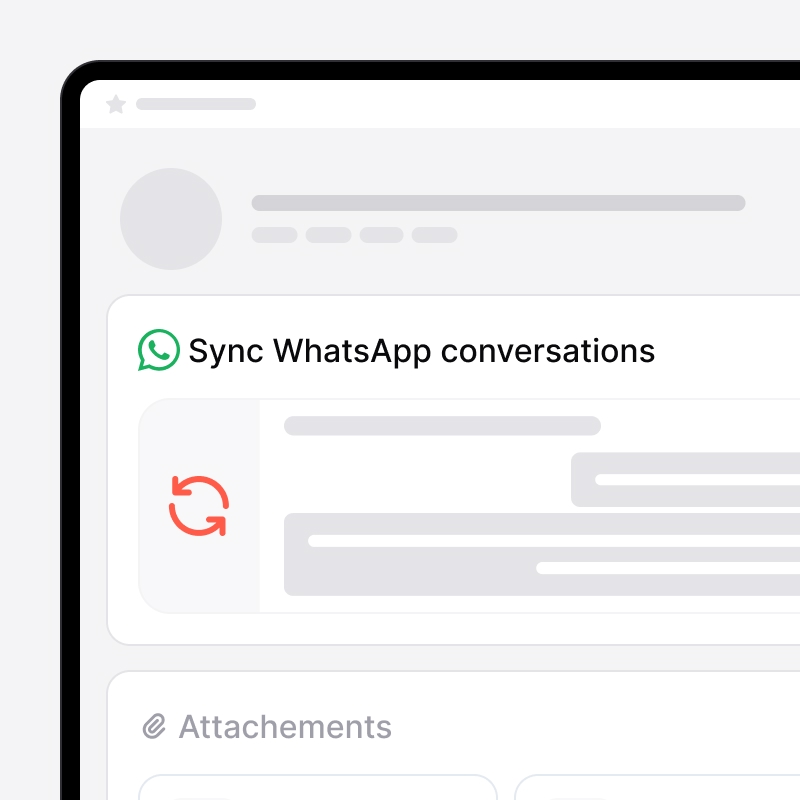
- With noCRM’s WhatsApp Chrome extension, teams can create leads from WhatsApp, log conversations and never miss the next step.

In a world where speed and personalization can make all the difference, WhatsApp has become a valuable tool for sales teams. More than just a messaging app, WhatsApp provides a fast, personal channel for following up with leads, building rapport, and moving the sales process forward. For salespeople who need to keep leads engaged and responsive, using WhatsApp effectively can mean shorter sales cycles and more fruitful follow-ups than traditional channels.
Setting Up an Effective WhatsApp Follow-Up System
A structured approach to follow-ups is essential to avoid missed opportunities. The key is to create a follow-up schedule based on each lead’s position in the sales funnel, ensuring you contact them at the right time with the right message.
To streamline your WhatsApp follow-ups, consider using tools like the noCRM WhatsApp Chrome extension. This handy tool lets you create leads directly from WhatsApp conversations, access all relevant information when chatting with leads, and log messages for future reference—all directly in noCRM. With an organized system in place, you’re ready to follow up with precision, keeping every interaction meaningful and timely.

Creating Quick, Customizable Follow-Up Templates
Follow-up messages shouldn’t feel robotic. Draft a few message templates for different follow-up scenarios: after an initial meeting, after a demo, or post-purchase. Here are some examples:
- After an Initial Meeting: “Hi [Name], it was great speaking with you! I just wanted to check in to see if you had any more questions about [product/service]. Let me know if there’s anything I can help with!”
- After a Demo: “Hi [Name], I hope you found the demo helpful! Let me know if there’s anything else you’d like to explore or discuss. I’m here to help you make the best decision.”
The noCRM WhatsApp extension lets you create templates with variables (like [Name]), so you can personalize messages and send them with a click. A little customization goes a long way in making follow-ups feel personal, not canned.

When to Use Voice Messages for Follow-Ups
Voice messages can break the monotony of text-based follow-ups, especially when addressing complex or sensitive topics. They add a personal touch and convey sincerity, helping leads feel more valued and understood.
Guidelines for Effective Voice Messages:
- Keep it Short: Don’t overwhelm the lead—one minute or less works best.
- Emphasize Helpfulness: Focus on addressing specific questions or needs.
- Personalize the Message: Reference any unique details from past conversations to show you’re paying attention.
Using Reminders to Avoid Missed Opportunities
Sometimes, all it takes is a timely follow-up to close a sale. To stay on top of critical follow-ups, set reminders using noCRM. Space out follow-ups to give leads breathing room without losing momentum. Here are some timing tips:
- After a Few Days: For a gentle check-in without seeming too pushy.
- After a Week: Especially useful after demos or consultations.
- Post-Purchase Intervals: Keep the relationship alive by reaching out a week or month after purchase to see how they’re finding your product.
If you use noCRM’s WhatsApp Chrome Extension, you’ll also be able to access previous interactions and notes taken about a lead, directly from your discussion. This is ideal to make sure you follow-up correctly, regarding the past interactions.

Engaging Leads with Value-Added Content
Not every follow-up should be about closing a deal. Engage leads by sharing helpful resources, industry insights, or product tips. This approach positions you as a valuable resource rather than a relentless salesperson.
Tips for Engaging Content on WhatsApp:
- Share Relevant Articles or Tips: Send useful resources that might help the lead professionally.
- Use WhatsApp Status for Subtle Updates: Post relevant content like news or insights that may interest your leads without directly messaging them.
- Stay Helpful, Not Salesy: Frame shared content as genuinely useful, not self-promotional.
Handling Objections on WhatsApp with Empathy and Clarity
When a lead raises an objection, view it as a chance to address their concerns constructively. Quick, empathetic responses can reassure the lead and turn hesitations into action.
Sample Objection Responses:
- For Price Concerns: “I understand pricing is a major factor! Here’s how we structure our pricing to bring you the best value.”
- For Product Hesitations: “I hear you! Let’s take another look at how [feature] could help solve [lead’s challenge].”
- For Feature Requests: “Great point! While we may not have that feature now, I’d love to explore how our current setup might still help you.”
Being quick and clear, while acknowledging the lead’s concerns, can foster trust and encourage open dialogue.
Maintaining Consistent Communication without Overstepping
While it’s essential to stay in touch, too much follow-up can backfire. Pay attention to your lead’s responses and avoid overwhelming them with messages.
Tips for Consistent but Respectful Communication:
- Gauge Lead Interest: If responses slow down, give the lead some space before checking in again.
- Polite Exit Strategy: If a lead isn’t interested, wrap up by saying, “No worries, [Name]! Feel free to reach out if anything changes. I’m here to help.”
- Set Reminders for Future Check-Ins: If a lead isn’t ready now, note a date to reconnect in a few months.
Conclusion
WhatsApp can be a game-changer for sales follow-ups, helping you keep leads engaged, responsive, and ultimately moving toward a close. By implementing these techniques—and adjusting as you go—you can make each follow-up count and build strong relationships that stand the test of time. Happy messaging!
FAQ
Q: Why use WhatsApp for sales follow-ups?
A: WhatsApp allows for quick, personalized follow-ups that can keep leads engaged and help shorten sales cycles.
Q: How do I organize WhatsApp follow-ups?
A: Use tools like the noCRM WhatsApp Chrome extension to track interactions and set reminders for timely follow-ups.
Q: What’s a good follow-up message template?
A: A friendly, brief message that references past conversations or demos is ideal. Use noCRM’s extension to customize templates efficiently.
Follow up faster with WhatsApp and noCRM