Interface
Inside noCRM's lead management software, you can configure some interface settings for your account.
To access them, go to Admin panel > Account Management > Interface.
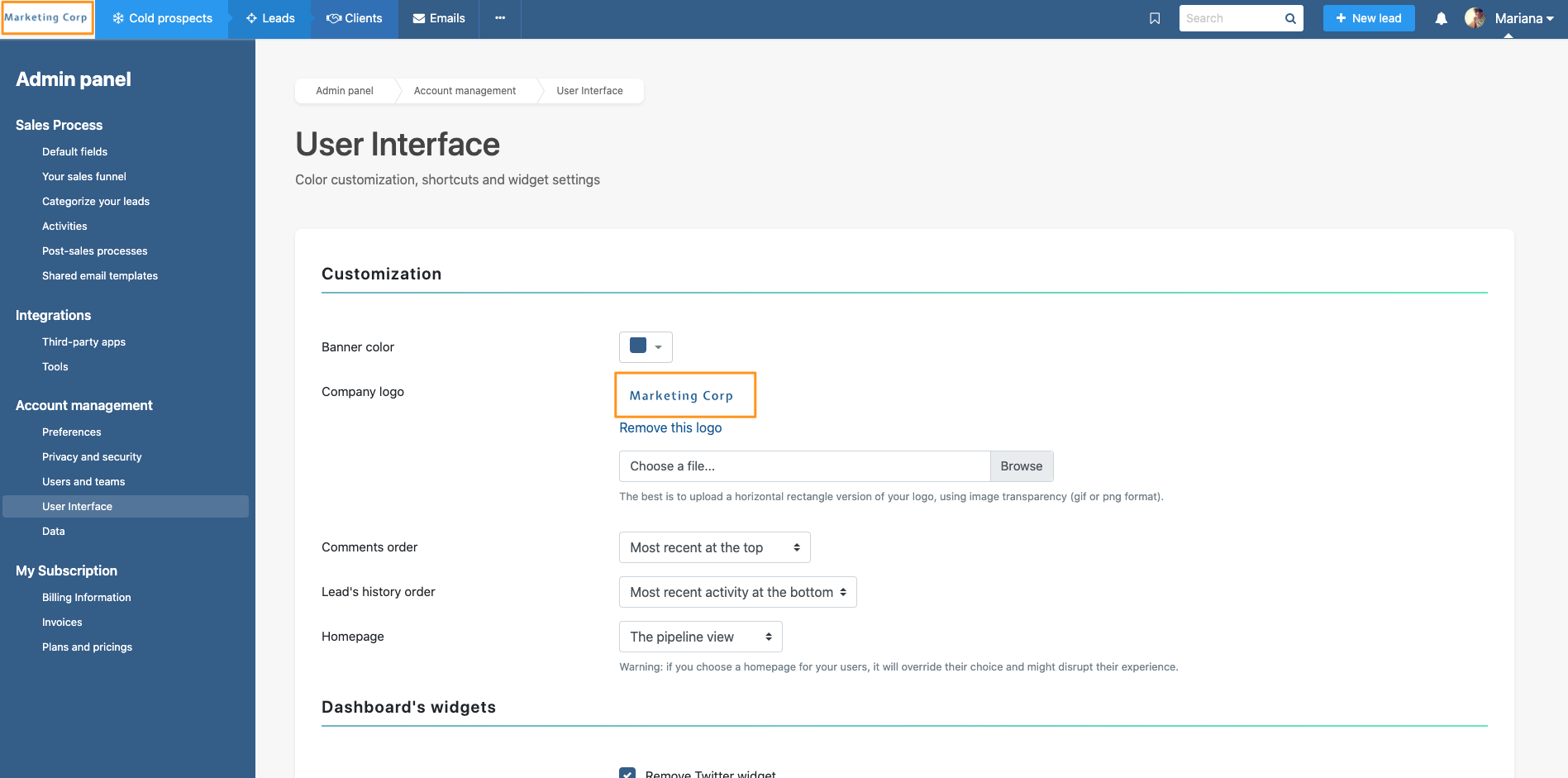
From there, you can choose your account’s homepage, the first page users see when they log in to noCRM. You can also allow each user to select their own homepage so everyone can start with the view that works best for them.