



Summary
- noCRM and Less Annoying CRM both target small businesses, but noCRM focuses on lead management and closing deals, while Less Annoying CRM prioritizes contact and relationship management.
- noCRM stands out with visual pipelines, multi-channel lead capture, built-in quote generation and invoicing, and action-driven sales features designed for outbound teams.
- Less Annoying CRM offers a simple, affordable solution for organizing contacts and follow-ups, making it a fit for businesses with relationship-focused sales processes.
If you're running a small sales team and comparing noCRM against Less Annoying CRM, you're looking at two tools built with the same promise - keep things simple, skip the enterprise bloat - but built around fundamentally different philosophies. Both noCRM and Less Annoying CRM are designed for small businesses, yet they solve different problems.
The biggest difference comes down to this: noCRM is built around leads and closing deals. Less Annoying CRM is built around contacts and managing relationships. That distinction shapes everything: from how you set up your pipeline to what your reps do every morning when they open the tool.
This comparison breaks down where each tool wins, where each falls short, and which one fits your sales process.
The short answer: noCRM is the better pick for sales teams focused on outbound prospecting, lead conversion, and action-driven selling. Less Annoying CRM is the better pick for relationship-focused small businesses that need a simple way to manage contacts, tasks, and follow ups without a steep learning curve. If your primary focus is turning leads into deals fast, choose noCRM. If your primary focus is organizing customer information, choose Less Annoying CRM.
What Is noCRM?
noCRM is a lead management tool purpose-built for action-oriented sales teams. noCRM focuses on outbound sales activity and lead closure: it's designed to keep reps selling, not filling out forms.
Its defining strengths:
- Visual pipelines for tracking sales activities with drag-and-drop stage management
- Multi-source lead capture: noCRM enables users to create leads instantly from multiple sources, including emails, business cards, or forms, plus WhatsApp and phone calls
- Built-in quotes and invoices to close deals and manage post-sales workflows without switching tools
- Follow-up automation with next-step reminders that keep reps focused on closing deals rather than maintaining records
noCRM is best for fast-paced outbound sales prospecting where speed and action matter more than data entry.
What Is Less Annoying CRM?
Less Annoying CRM serves as a holistic contact manager designed for small businesses who want core CRM functionality without complexity. Less Annoying CRM is praised for its simplicity and affordability - it does exactly what it says on the tin.
Its defining strengths:
- Flat, transparent pricing at $15 per user per month - every feature included, no tiers
- User friendly interface with a 4.9/5 ease-of-use rating - users report a minimal learning curve
- Free phone support and email support for every customer, always included
- Unlimited contacts and pipelines with no feature gating or surprise costs
Less Annoying CRM effectively supports small businesses in managing customer information and tasks. It incorporates features for task and calendar management, and integrates with Google and Outlook calendars to keep teams stay organized.
noCRM vs Less Annoying CRM: How They Compare at a Glance
The headline takeaway: noCRM gives sales teams more tools to actively close deals, while Less Annoying CRM gives small businesses a simpler, more predictable system to manage contacts.
Setup and Getting Started
For small teams, setup time matters. Every hour spent configuring software is an hour not spent selling or serving customers. The faster a CRM gets out of the way, the sooner it delivers value.
- Less Annoying CRM: one plan means fewer decisions upfront. Import your contacts from a spreadsheet, Google, or Outlook, configure your pipeline stages, and start working. Many users report being productive within an hour of signup. The interface is unobtrusive: there's not much to configure because there's not much complexity to navigate. No steep learning curve here.
- noCRM: import your prospects and lead lists, and begin selling right away, without spending time building a contact database first. As your team grows, you can further personalize noCRM by configuring custom pipelines, prospecting lists, email and VoIP integrations, quote templates, and automation rules to match your sales process. In other words, you get immediate value from day one, while retaining the flexibility to tailor the platform as your needs evolve.
Winner: Less Annoying CRM is a good fit if you’re looking for a simple CRM to organize contacts and basic sales activities. noCRM is designed for sales teams that want to spend their time selling rather than navigating a traditional CRM. It provides purpose-built sales features while avoiding the bloated functionality that often adds complexity without helping reps close more deals.
Sales Pipeline Management
Pipeline management is where these two tools diverge most sharply. Pipeline visibility tells your team where deals stand, what's stuck, and what action to take next.
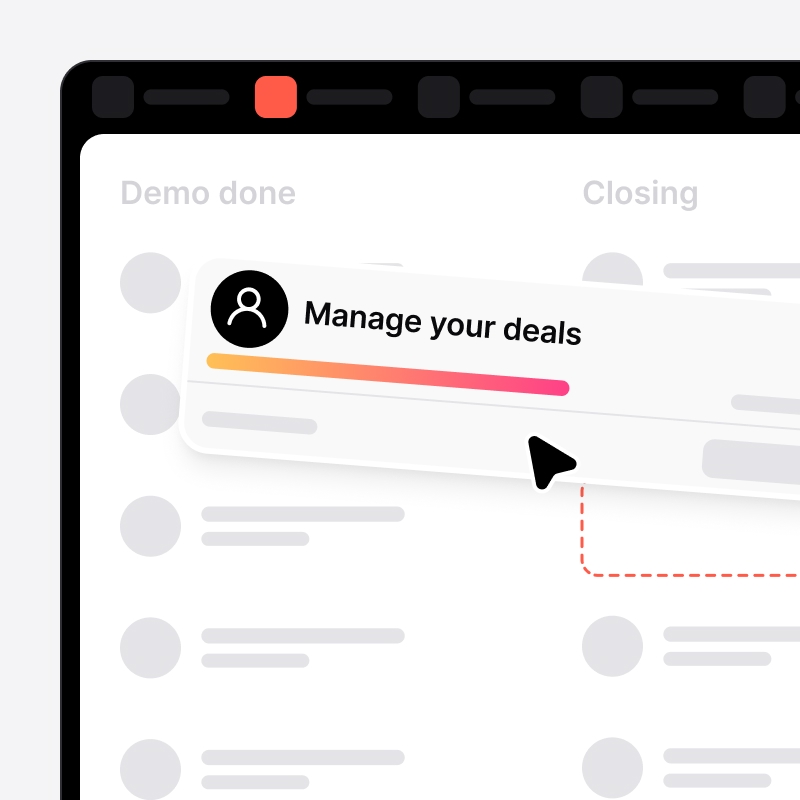
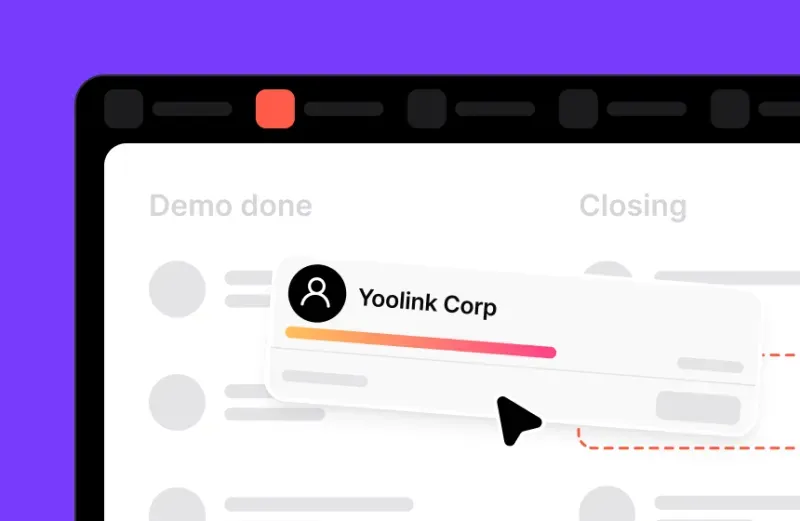
noCRM treats the pipeline as the center of the sales process. Its visual drag-and-drop pipelines let reps move leads through fully customizable pipeline stages - different pipelines for different teams or different sales processes. noCRM provides visual pipelines for tracking sales activities with next-step reminders, and noCRM allows customization of sales pipelines for different processes. Higher-tier plans unlock multiple pipelines, pipeline performance reports, and forecasting. The philosophy is enforcement: the pipeline drives action.
Less Annoying CRM offers unlimited pipelines with customizable stages, and you can create custom statuses in Less Annoying CRM pipelines. But there's a meaningful difference in how they work. Pipeline stages are attached to contacts and updated manually - they're more like milestone tracking than workflow-driven selling. There are no automatic stage changes triggered by activity, no complex branching, and limited workflow automation.
Winner: For teams that live inside their pipeline, noCRM's action-oriented approach is significantly more powerful. Less Annoying CRM's pipeline is adequate for tracking where things stand, but it won't push your team to take the next step. If pipeline management is central to how your team sells, noCRM is the clear choice.
Lead Capture and Prospecting
Growth depends on feeding your pipeline efficiently. How easily can you get leads into the system and start working them?
noCRM was built around this exact problem. noCRM focuses on simplifying lead capture and pipeline management. You can create leads from CSV/Excel imports, web forms, WhatsApp messages, email, phone calls, business cards, and browser extensions. Cold prospecting lists can be imported directly and fed into pipelines. noCRM employs lead management tools to help salespeople turn leads into deals with lead tags, categories, and duplicate detection for segmentation.
Less Annoying CRM handles contact import from spreadsheets, Google, Outlook, and LinkedIn, and offers embedded web forms to capture leads from your website. Less Annoying CRM allows up to 50,000 contacts per account and, like noCRM, connects with Zapier for over 5,000 app integrations. However, it lacks advanced cold prospecting tools - no WhatsApp capture, no business card scanning, etc. It's a contact manager, not a prospecting engine.
Winner: noCRM's multi-channel lead capture is purpose-built for teams that generate leads from diverse sources. Less Annoying CRM handles basic contact entry well, but if prospecting is a core part of your sales process, noCRM provides the tools you need.
Pricing and Value
Both tools are affordable compared to enterprise CRMs, but their pricing models reflect different philosophies.
noCRM pricing starts at $13 per user per month for its entry-level plan. Higher tiers unlock advanced reporting, forecasting, quotes and invoices, larger lead quotas, API access, and team features. noCRM provides a free version for users to get started. Check noCRM's full pricing breakdown for current plan details.
Less Annoying CRM costs $15 per user per month. No tiers, no feature gating, no contracts, no setup fees. Every feature is included. Less Annoying CRM includes 25GB of file storage per user. The 30-day free trial requires no credit card. Less Annoying CRM offers unlimited contacts and pipelines at that single price point.
Winner: It depends. For budget predictability and simplicity, Less Annoying CRM wins - what you see is what you pay. For sales teams that need quoting, invoicing, and reporting tools, noCRM delivers more value per dollar even at higher tiers because you'd otherwise need separate software. Less Annoying CRM offers a straightforward interface without complex features, and that simplicity is the value proposition. noCRM's value is in what it can do that the annoying CRM alternatives can't.
Mobile Access and Daily Usability
For field sales teams and reps on the move, mobile access can make or break daily productivity.
noCRM has mature native apps on iOS and Android with offline capabilities. The noCRM mobile app lets reps manage prospects and leads, view pipelines, access prospecting lists, use voice-to-text for comments, and work with unassigned leads - even without an internet connection. Some admin functions and statistics remain web-only, but core selling functions work offline.
Less Annoying CRM historically relied on a responsive web interface for mobile access. A dedicated mobile app launched recently, which TechRadar noted means users "no longer have to make do with the mobile web interface." That's progress, but the app is newer and less feature-rich than noCRM's mobile experience. Users report limitations when task volumes grow or when needing to filter deeply.
Winner: noCRM's mobile app is more mature, supports offline mode, and was built for reps who sell in the field. Less Annoying CRM's recent app launch is encouraging, but noCRM has years of mobile-first development ahead. If your team needs reliable mobile access, noCRM is the safer bet.
noCRM vs Less Annoying CRM: Which Should You Choose?
- Choose noCRM if your team is sales-driven, generates leads from multiple channels, needs visual pipeline management to track and close deals, and wants built-in quoting and invoicing. It's the right fit for outbound B2B sales teams, solopreneurs doing active prospecting, and growing small businesses that need their CRM to grow alongside them. noCRM provides functionalities to assist sales teams in tracking leads effectively, and its mobile app supports reps who sell in the field.
- Choose Less Annoying CRM if your primary need is organizing contacts, tasks, and relationships - not aggressive outbound selling. It's ideal for service businesses, consultants, and small teams that want to manage contacts with minimal setup and no learning curve. Less Annoying CRM integrates with Google Calendar and Outlook, and Mailchimp integration allows email campaign tracking in Less Annoying CRM for basic email marketing needs. Choose Less Annoying CRM If budget predictability matters more than advanced automation, and you're comfortable with manual pipeline updates.
The strongest overall pick for small sales teams: noCRM. If your job is to sell - to capture leads, move them through a pipeline, and close deals - noCRM is built specifically for that workflow. Less Annoying CRM is a genuinely good tool, but it's a contact manager first and a sales tool second. noCRM is a sales tool through and through.
noCRM supports integration with tools like Mailchimp and Xero for teams that need native integrations beyond the core sales workflow, and offers over 3,000 automations via Zapier for advanced automation and workflow automation needs. Less Annoying CRM allows custom fields for unique data points and you can create custom reports, but it lacks the deeper reporting and sales analytics that data-driven teams need.
Ready to make your decision? Take advantage of noCRM's free trial to test the platform with your actual sales process.
Sell more. Manage less.